Skip to content

YOUR EVERYDAY DOCUMENT STUDIO

Make room for
better work.

Organize, edit and convert your PDFs. A clear path from file to finished.

Merge PDF

Example documentsOn your device
Example documents

Bring your pages
together

Choose two or more PDFs to merge.

or drop files here

Files stay on your device. No account needed.

All your PDF tools. Right here.

Everyday essentials, with more on the way.

Tools marked “Planned” are on our roadmap and are not available yet.

18

A LITTLE LESS PAPERWORK

Small tasks. A smoother day.

Go beyond converting files. Put the finishing touches on a document, or give scanned words a second life.

EDIT & SIGN

The finishing touch, without the printout.

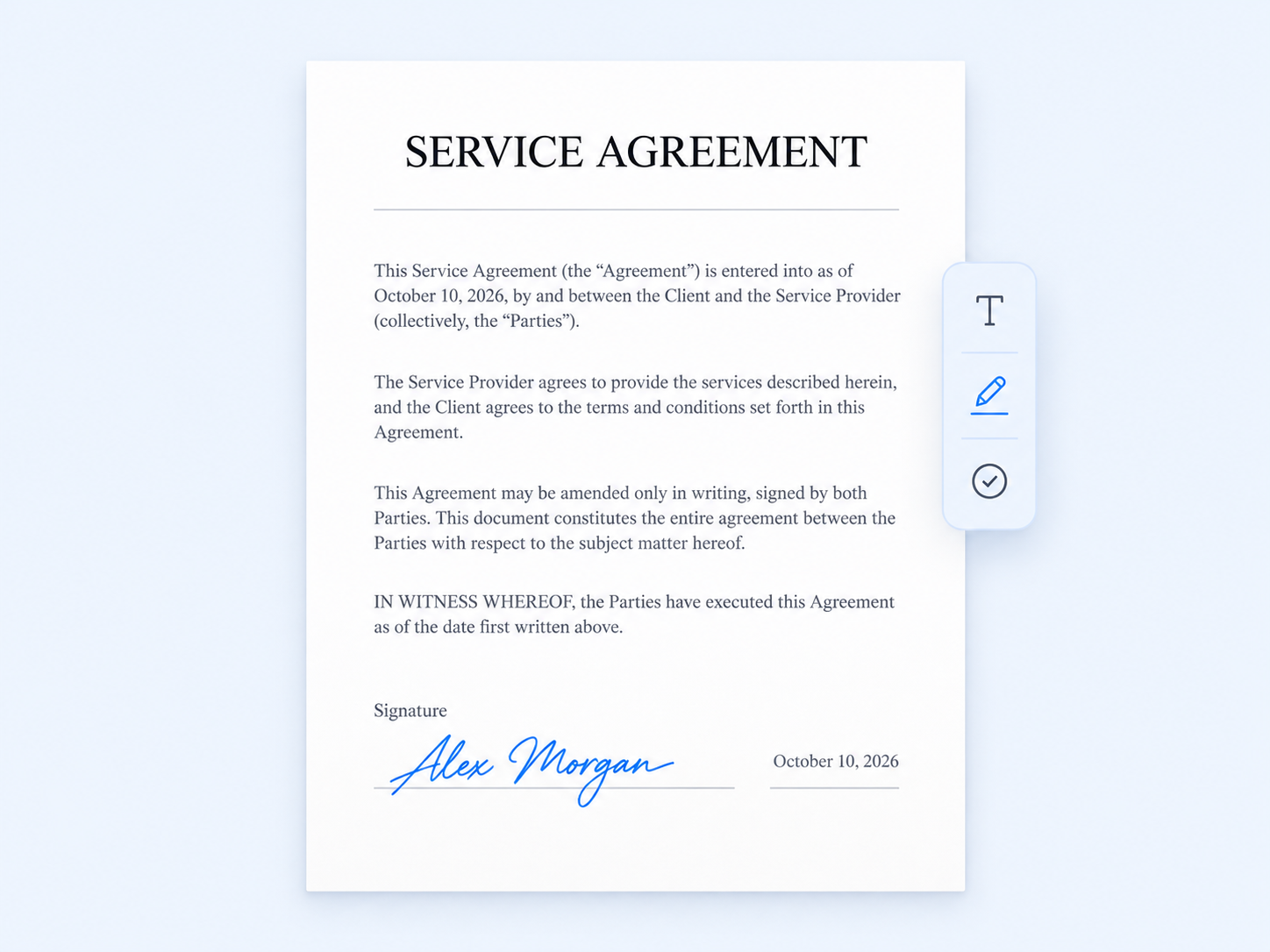
Add a note, place your signature, or give a document a clear label. Make those last few changes right in your browser.

  • Add text and images where you need them
  • Draw and place your handwritten signature
  • Add a text watermark before sharing
Illustrative service agreement with an example handwritten signature and editing tools

OCR · TEXT RECOGNITION

Keep the words. Skip the retyping.

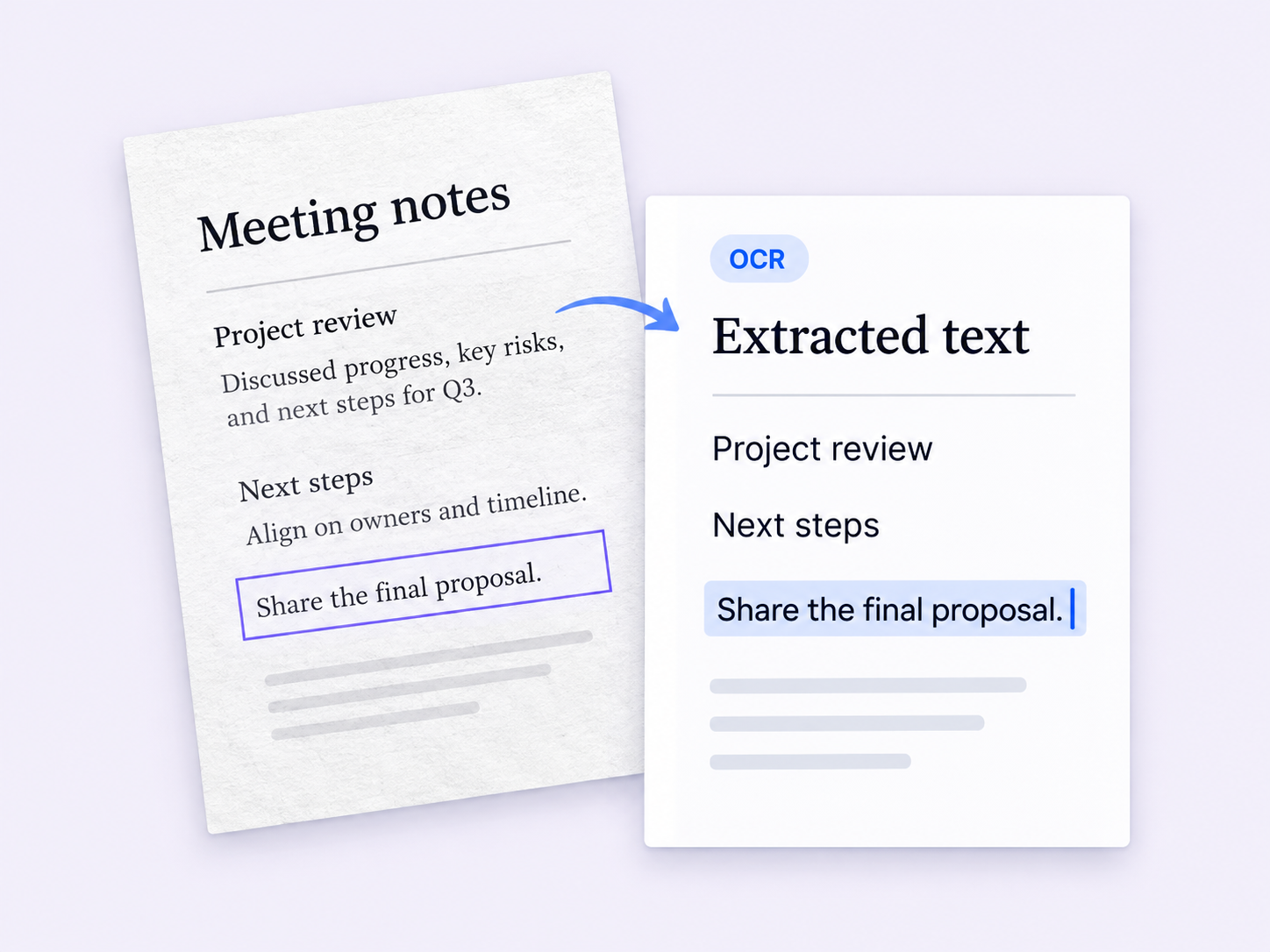
Turn a scanned PDF or an image into text you can copy, review and use again. A useful shortcut for notes, paperwork and reference material.

  • Extract text from scanned PDFs and images
  • Choose the recognition language for your file
  • Review and download the extracted text

Requires sign-in · Processed in the cloud

Illustration of a scanned meeting note alongside extracted, selectable text

MADE FOR YOUR EVERYDAY

Whatever is on your desk.

For your working day

Bring reports and attachments together, then prepare a single document to send.

For the next chapter

Take just the pages you need, and extract text from scanned study materials.

For life’s little admin

Complete a fillable form, add your signature and get on with your day.

LESS FRICTION. MORE FINISHED.

From file to finished, in three steps.

  1. 01

    Choose a tool

    Pick the tool you need from above.

  2. 02

    Add your files

    Select your files and adjust the details.

  3. 03

    Save your result

    Download your finished file.

Your files. Your choice.

Browser tools keep files on your device.

Cloud tools use uploads, with files scheduled for deletion after 24 hours.

A GOOD PLACE TO START

A little know-how goes a long way.

Short, practical guides for the jobs you do most.

GOOD QUESTIONS

A few things to know.

The practical details, before you begin.

Do I need an account?

Browser tools work without an account. Sign in to use cloud tools such as compression, Word conversion and OCR.

Are all tools processed on my device?

No. Merge, split and other local tools work in your browser. Compression, Word conversion and OCR upload files for server processing.

Can I change the original text in a PDF?

The current editor lets you add text, images, watermarks and handwritten signatures on top of a page. It does not rewrite or reflow the original text. PDF to Word is still planned.

What will I get from OCR?

OCR extracts text from scanned PDFs and images so you can review, copy and download it. Results depend on the scan quality and recognition language. Check the output, especially names and numbers. Searchable PDF output is not currently offered.

Can I fill in any PDF form?

Fill PDF forms works with existing fillable fields. For a flat form or a scanned page without fields, use Edit PDF to add text in the right places.

What does “Planned” mean?

These tools are part of our development roadmap. They remain visible so you can see what is coming, but cannot process files yet.

One less thing on your to-do list.

Start with the file in front of you. We’ll help with the next step.

Find your PDF tool